




What is the LinkedPhone Auto Attendant (auto attendant/phone menu)?
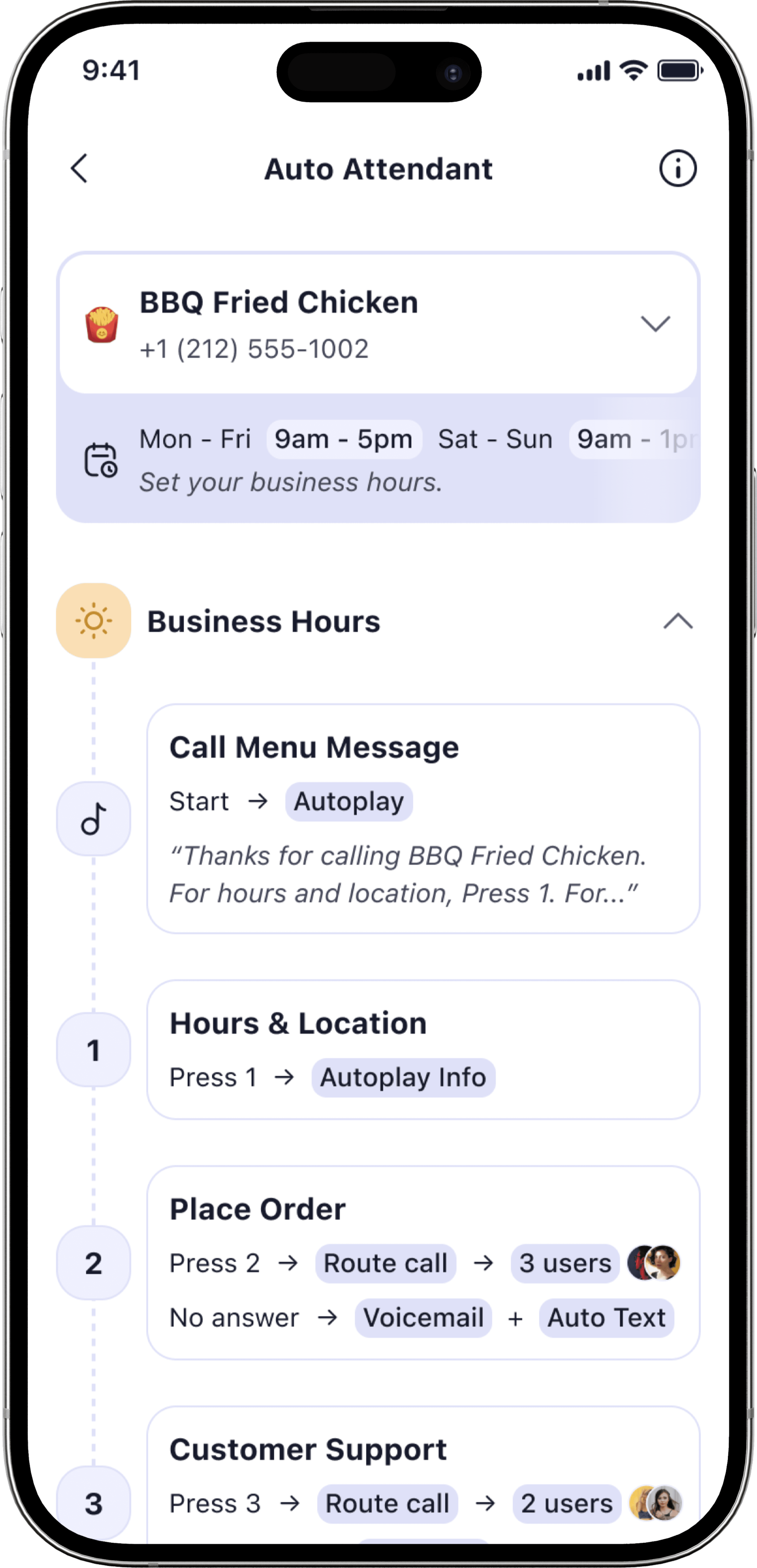
LinkedPhone Auto Attendant is a simple phone menu (e.g., “Press 1 for Sales”) that greets callers and routes them to the right person or information—so small businesses look professional and callers avoid dead ends.
How do I set up Auto Attendant—do I need IT or hardware?
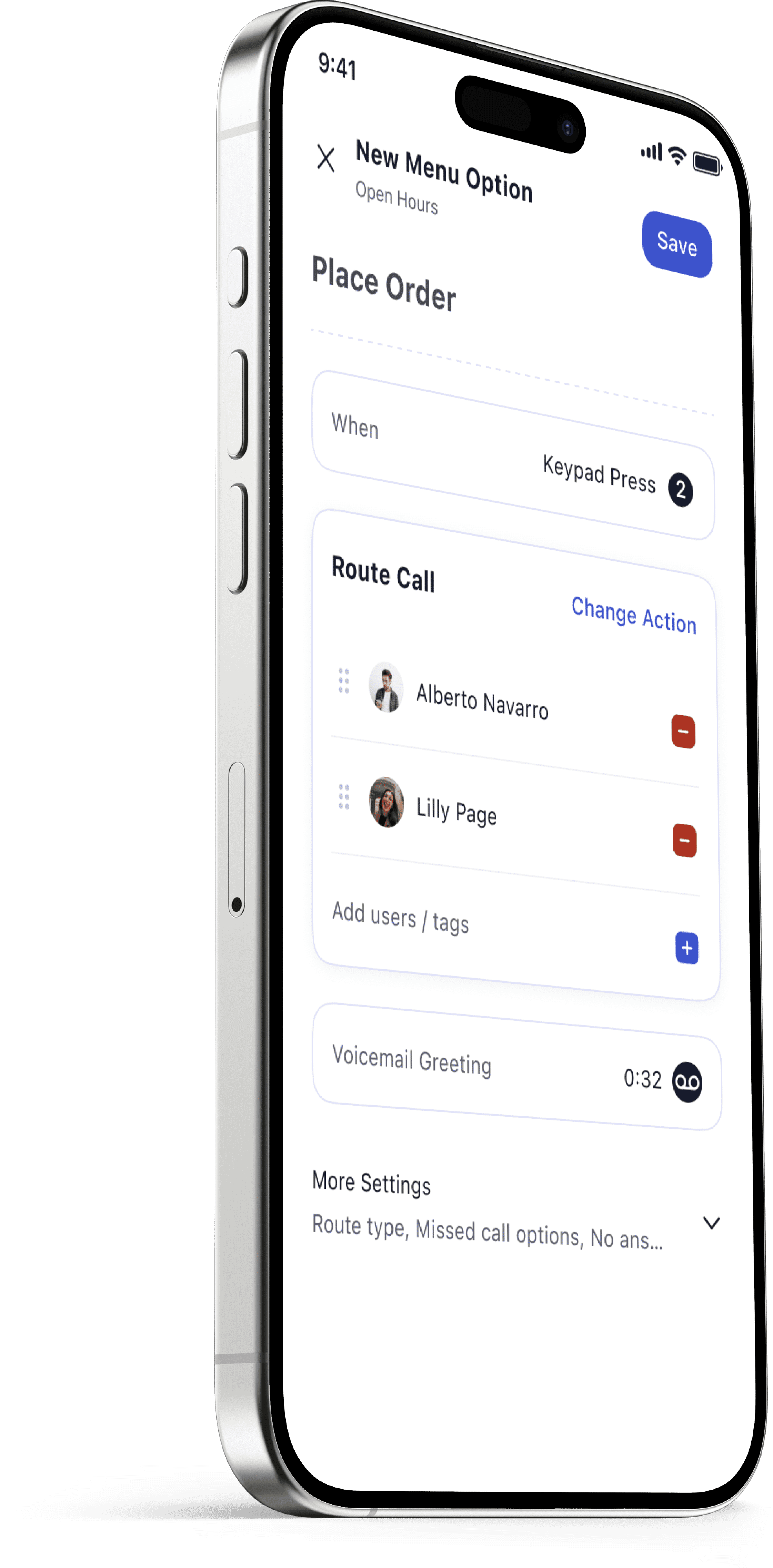
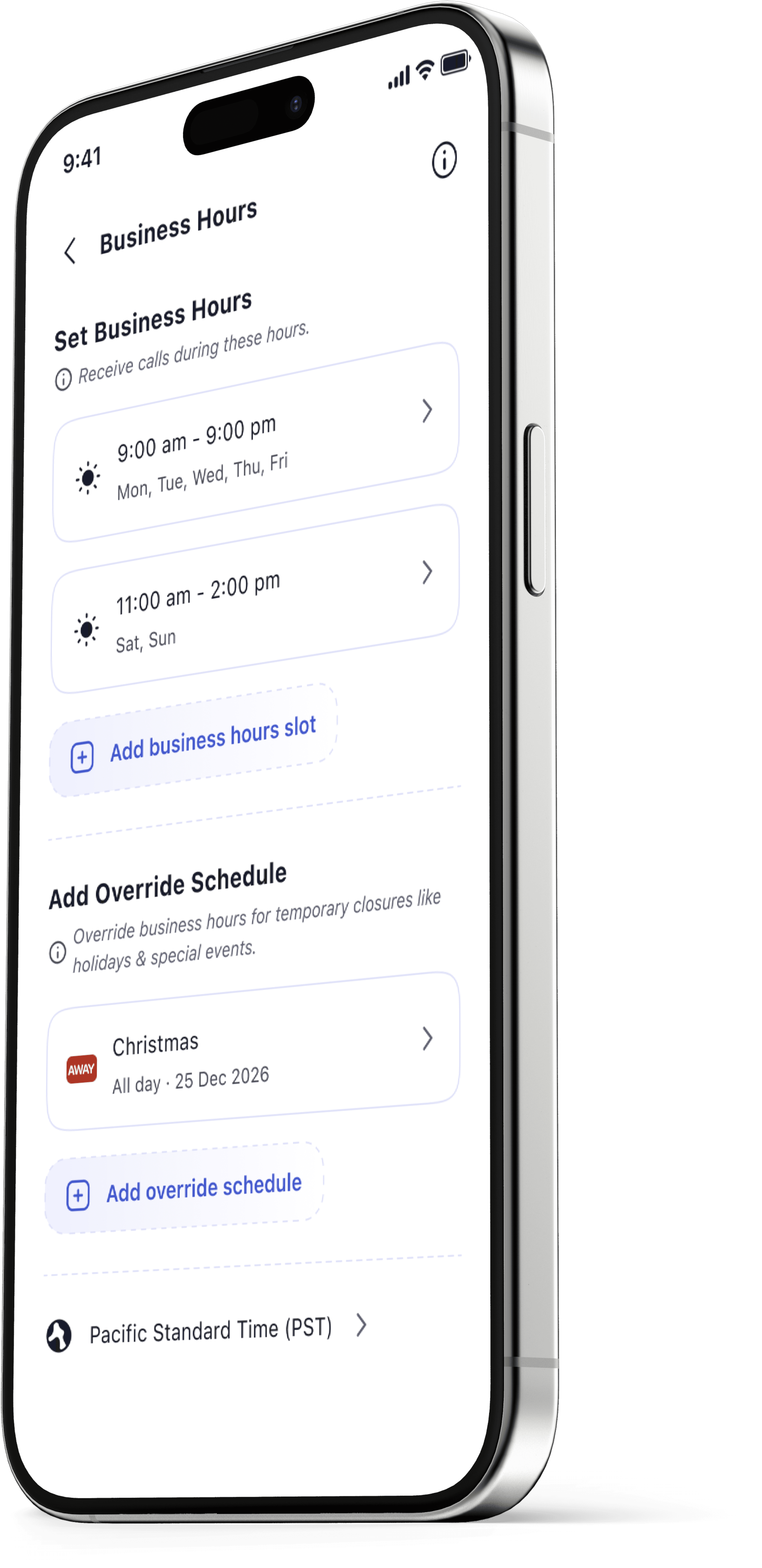
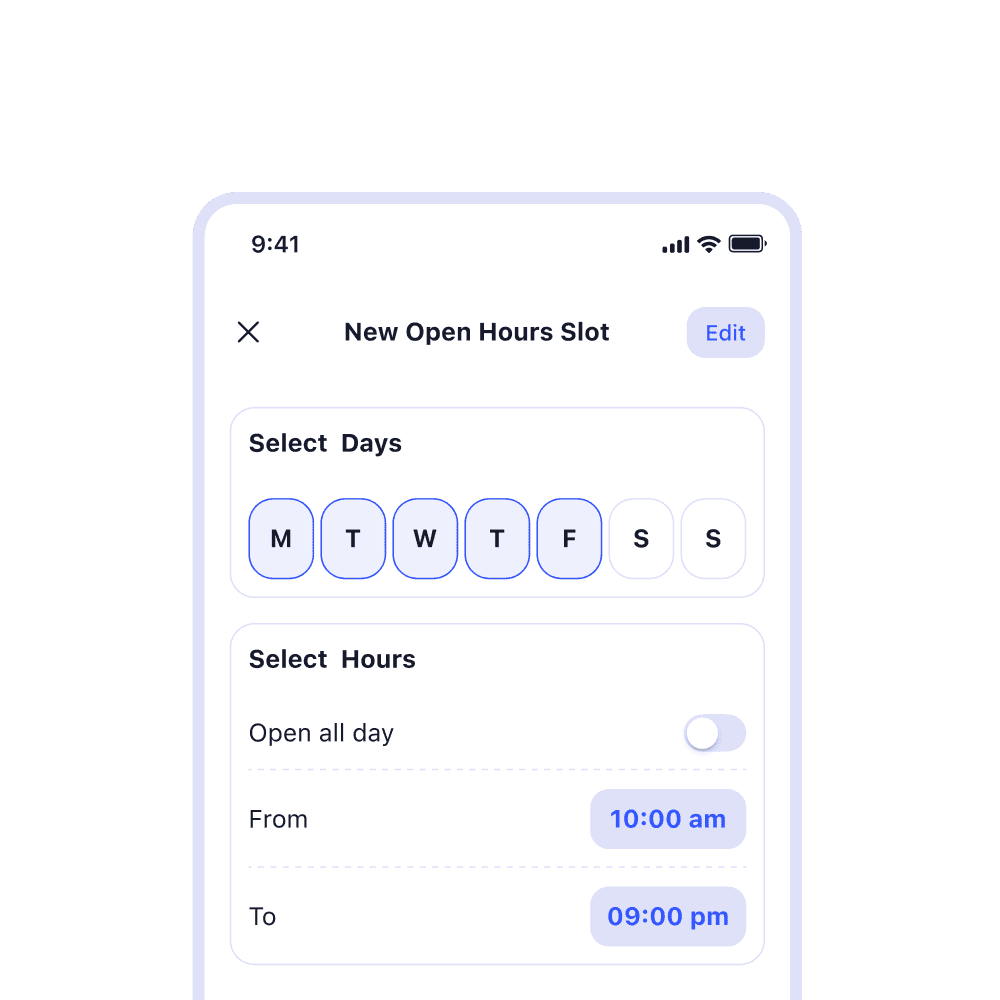
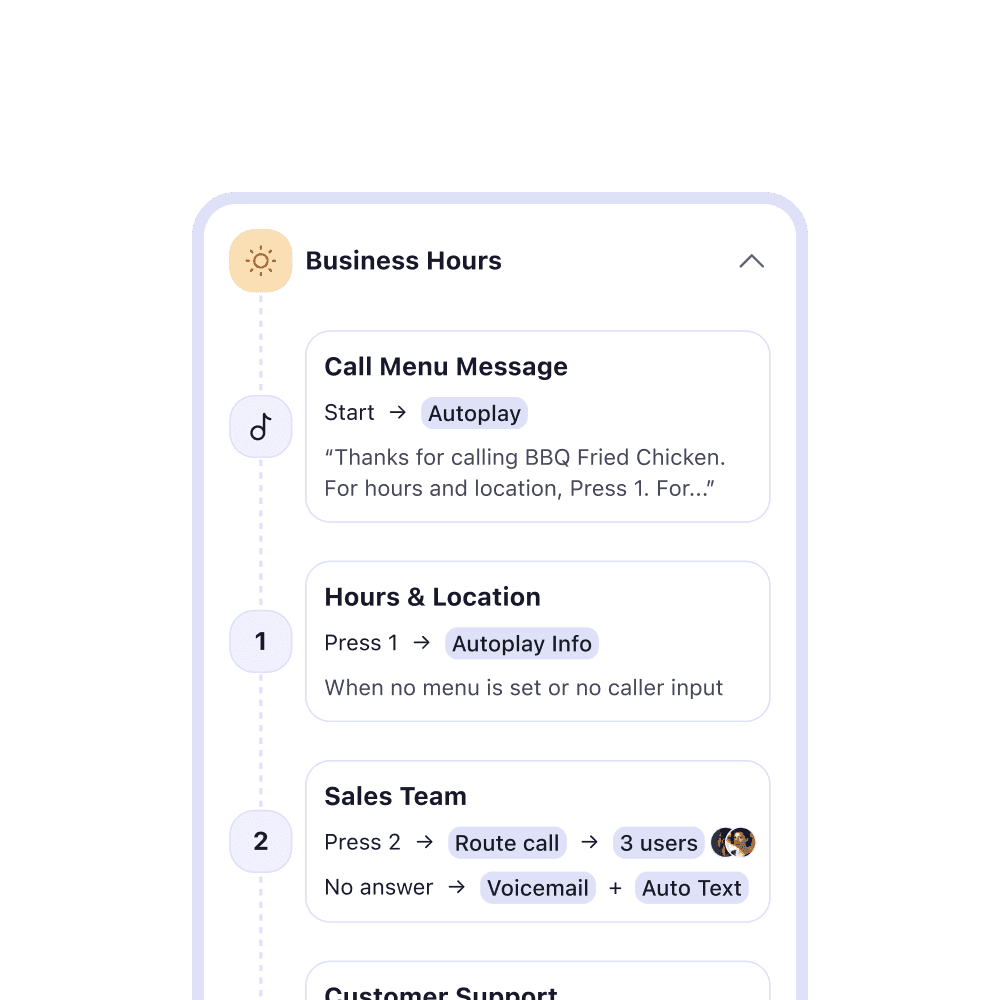
No IT or hardware needed. In minutes you can set Business Hours, add a Welcome Message, and create Call Menu Options that send callers to a person, department, info message, or voicemail.
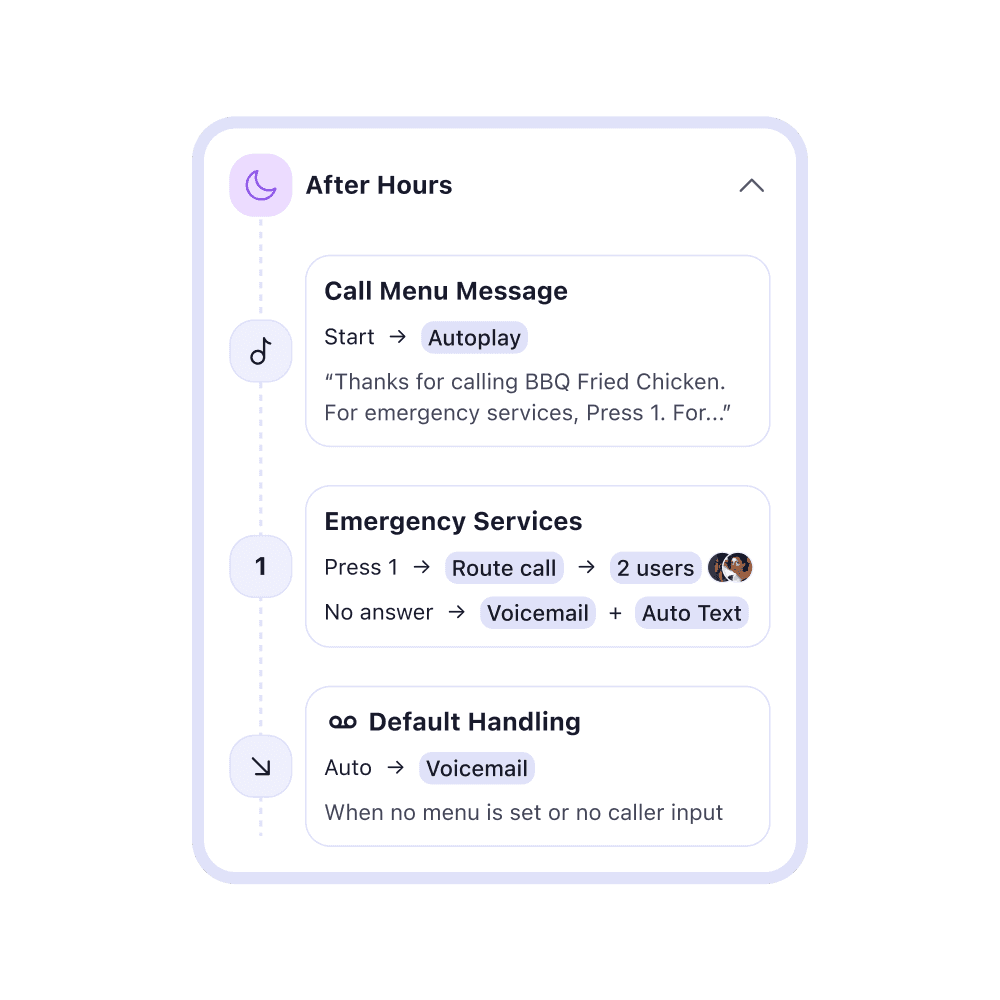
How do Business Hours and After-Hours handling work?
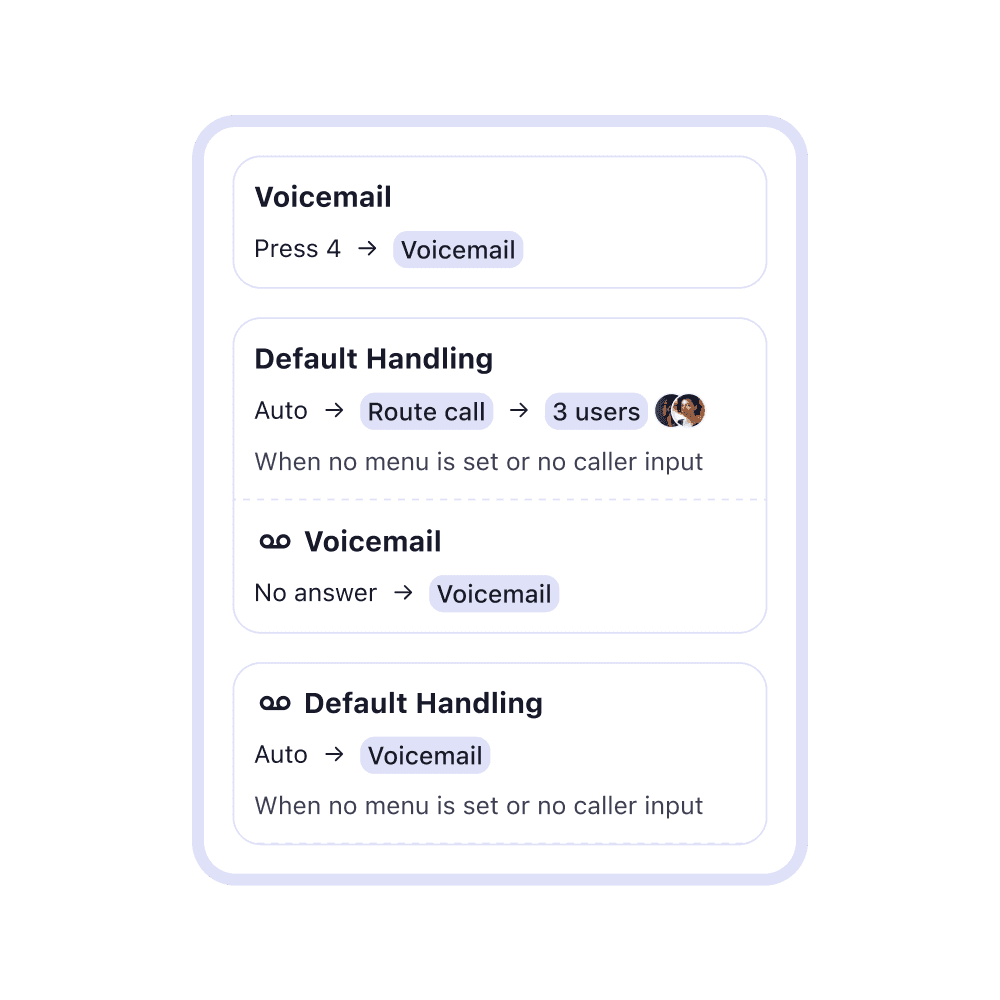
During Business Hours, calls can ring everyone or only selected teammates. After hours, calls go to your after-hours voicemail box by default. You can customize these settings anytime.
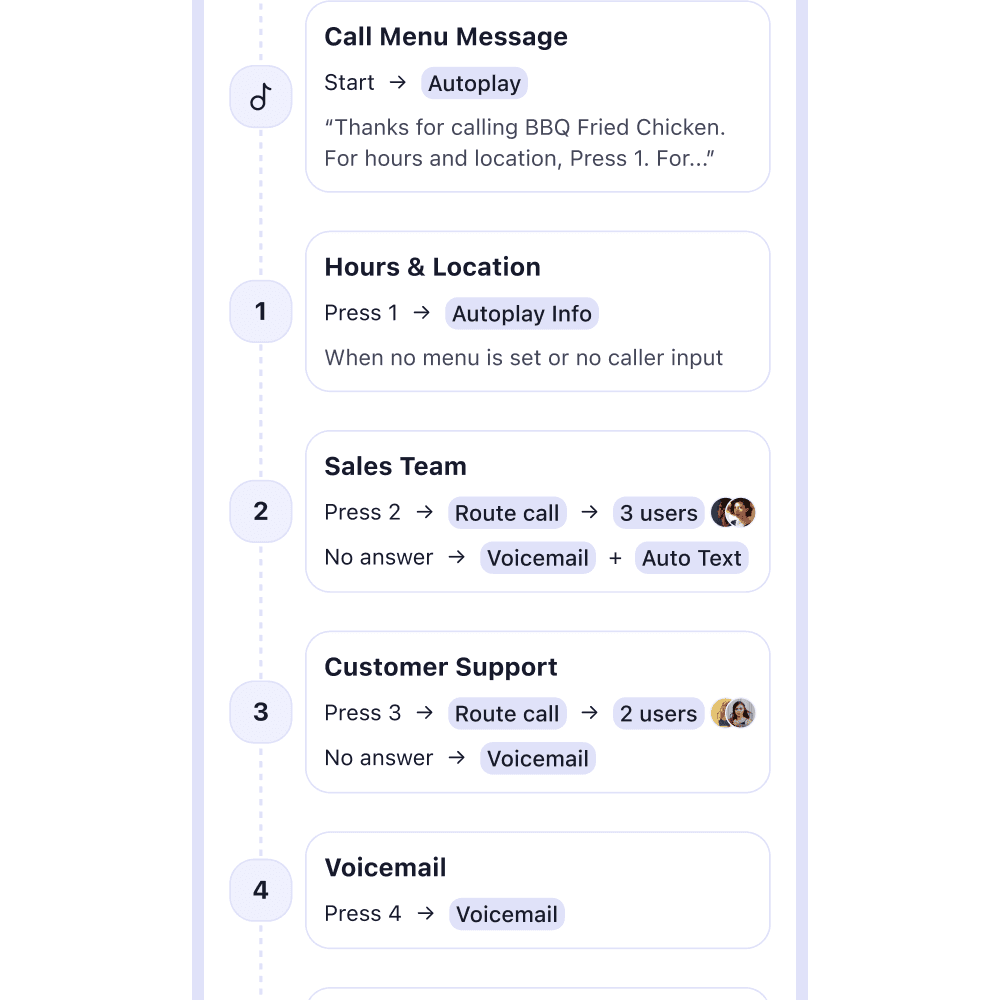
What can I do with Call Menu Options?
You can route to teammates or departments, play an information message (hours/location), send to voicemail, offer a team directory, or build a branching submenu. Edit or remove options anytime—just update the Welcome Message so it matches.
Do Call Menu Options cost extra? Can I change them later?
No extra cost—Call Menu Options are included in all plans. You can edit or remove options whenever you need.
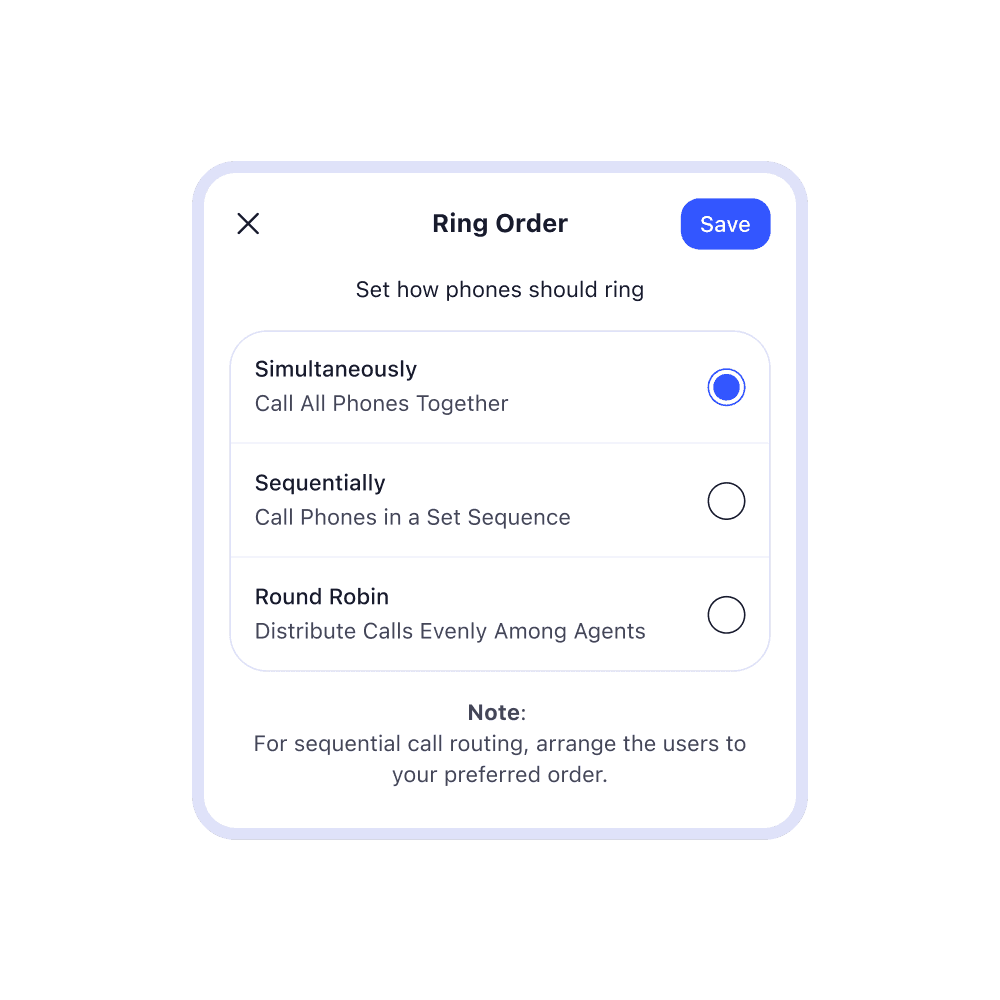
Can I choose how phones ring—simultaneous, sequential, or round-robin?
Yes—you can control ring behavior for routed calls, including simultaneous, sequential, or round robin.